
Quick verdict: ClickDesigns X is a cloud-hosted visual editor and 2D/3D product mockup studio. On paper, it targets a specific and useful job: turning flat artwork into book covers, boxes, device screens and bundle images that marketers can drop into sales pages and ads. Its feature list is relevant to that job, and the headline one-time price looks low. But the evidence behind it is the seller's own sales page, the price language contradicts itself, and the product name shifts between "ClickDesigns X" and "ClickDesigns." This review scores it 6.1 out of 10: promising for buyers who need product mockups, not yet proven, and worth a careful read of the checkout terms before paying.
Affiliate disclosure: AI Growth Verdict earns a commission if you buy ClickDesigns X through the links in this review, at no extra cost to you. The commission does not change the score or the criticisms below.
How this review was made: This is a source-based review, not a hands-on test. We did not log into ClickDesigns X, build a mockup, export a file, contact support, or read the license. Every product fact below comes from one place: the vendor's public sales page, checked on 13 October 2026. Where the page makes a claim, we say it is a sales-page claim. Where we have not seen proof, we say that too.
ClickDesigns X review: the short answer
What is ClickDesigns X? According to its sales page, ClickDesigns X is a browser-based design tool that combines a drag-and-drop editor with a 3D product mockup studio. Its signature feature is MagicWrap, described as a one-click way to map flat artwork onto a 3D model and generate several angles and layouts.
Is ClickDesigns X worth it? It may be, for a marketer who regularly needs product visuals such as ebook covers, software boxes, course bundles or supplement packaging and does not want to learn heavy design software. It is a weaker fit for anyone who needs deep illustration, brand systems or photo editing. Because we have not tested it, "worth it" depends on the terms and quality you confirm yourself.
How much does ClickDesigns X cost? On 13 October 2026 the sales page displayed a one-time launch price of $37, with $67 crossed out, and a claimed regular price of $97 per month. The same page says the offer can change to a monthly subscription without notice. That is a material inconsistency, covered in detail in the pricing section below.
Key takeaways
- Best for: affiliate marketers, course creators, software sellers and small online businesses that need product mockups and ad graphics without a design hire.
- Standout feature (as advertised): MagicWrap 3D mapping for covers, boxes and devices, plus multi-angle outputs.
- Main concern: pricing language that mixes "one-time payment" with warnings about a monthly switch.
- Evidence level: seller material only. No independent testing, no verified user data.
- Refund: a 30-day full-refund guarantee is advertised. We have not read the written terms.
- Score: 6.1/10.
ClickDesigns X scorecard
The score rewards what the page describes and penalizes what it leaves unclear. Each category is scored out of 10 based only on the sales page.
| Category | Score | Why |
|---|---|---|
| Feature scope (as described) | 7.5 | Editor, layers, multi-canvas, templates, 3D mockups, several export formats and integrations in one tool. |
| Buyer fit for marketers | 7.5 | The use cases (covers, boxes, bundles, ad creatives) match common online-business needs. |
| Offer and pricing clarity | 4.5 | One-time price, monthly price and a "may switch to monthly" warning appear on the same page. |
| Quality of evidence | 5.0 | Large numbers and testimonials appear, but all are unverified seller claims with little context. |
| License and terms visibility | 6.0 | A commercial license and refund are advertised, but the exact scope was not visible on the page. |
| Overall | 6.1 / 10 | Relevant toolset, unresolved terms, unproven results. |
Video: a look at ClickDesigns X
The video below was supplied by the person who requested this review. We embedded it for your convenience. It was not used as research for this article, and nothing in the review depends on it. Watch it alongside the checklist further down to see which of the questions it answers for you.
What ClickDesigns X is, in plain terms
ClickDesigns X is presented as two tools under one login. The first is a visual editor in the browser: you place text, shapes, images and other elements on a canvas, arrange them in layers and export the result. The second is a mockup studio that places your artwork onto 2D and 3D objects, so a flat cover design becomes a standing book, a box, or a screen on a laptop or phone.
The sales page positions the product at marketers who sell digital or physical products and need visuals that look finished. The examples it lists include book and software covers, boxes, device mockups, course and product bundles, supplement packaging, social and ad creatives, web graphics and print assets. That range is wide. It suggests a tool built to produce a lot of marketing images quickly, rather than a specialist for one category.
It is cloud-hosted, which means nothing to install, and your work lives in an online account. The usual cloud trade-offs apply: convenient access from any device, but dependence on the vendor's servers, plan and continued operation. We return to that under future updates and support.
The core workflow: from flat artwork to finished visual
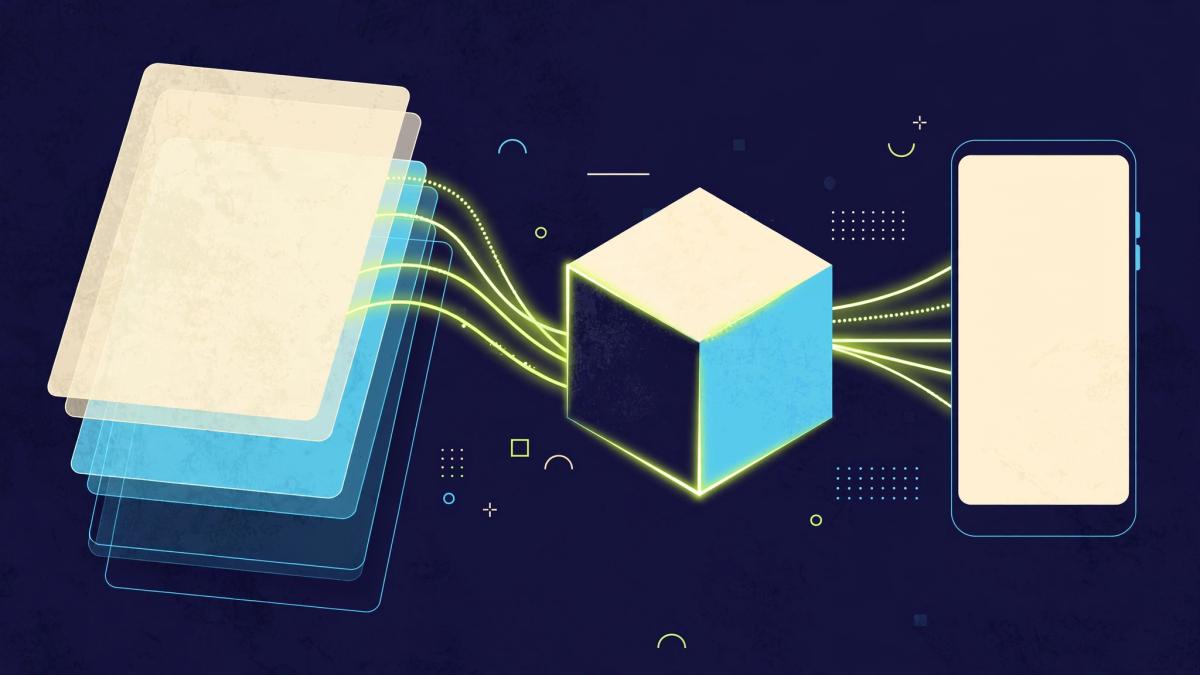
Based on the sales page, a typical session follows a simple path. You start from a template or a blank canvas, add your own artwork, logos, text and images, adjust layers, then either export the flat design or send it into the 3D studio to wrap it around a product model. From there you choose angles or layouts, and export.
The appeal of this workflow is consolidation. Many marketers currently design the flat artwork in one app, then move it into a separate mockup generator, then resize or crop in a third place. A single tool that covers all three steps can cut file shuffling. Whether ClickDesigns X does that smoothly is something only a trial or refund-period test can show, since we have not used it.
The page also mentions dynamic multi-canvas workspaces. In practice, multiple canvases in one project can help when a launch needs matching assets: a cover, a box, a social square and a banner built from the same brand elements. The benefit is consistency across assets. The unknown is how many canvases and projects each plan allows.
3D Product Studio and MagicWrap
What is MagicWrap? MagicWrap is the sales page's name for its one-click 3D mapping feature. You supply flat artwork, and the tool maps it onto a 3D model, then generates multiple angles and layouts. This is the feature that most separates ClickDesigns X from a plain template editor, and it is the reason this review treats it as a 3D product mockup tool first and a general graphic design tool second.
The reason-why behind a feature like this is straightforward. A 3D mockup applies your flat image as a texture on a model, with lighting and perspective, so the viewer sees an object instead of a rectangle. Done well, that can make a digital product such as an ebook or a software package look tangible on a sales page. Done poorly, it looks like a template and signals low effort. The quality of the models, lighting and edge handling is the part we cannot judge from the page.
Questions worth answering during a test, for any MagicWrap-style feature:
- How many 3D models are available, and are they limited to the categories shown (covers, boxes, devices)?
- Can you control camera angle, rotation, lighting and background yourself, or only pick from presets?
- Does artwork keep its sharpness at the sizes you need, including for print or large banners?
- Can you save a mockup scene and swap in new artwork later?
2D and 3D mockup examples the page shows
The sales page lists a broad set of outputs. Grouped by use, they look like this:
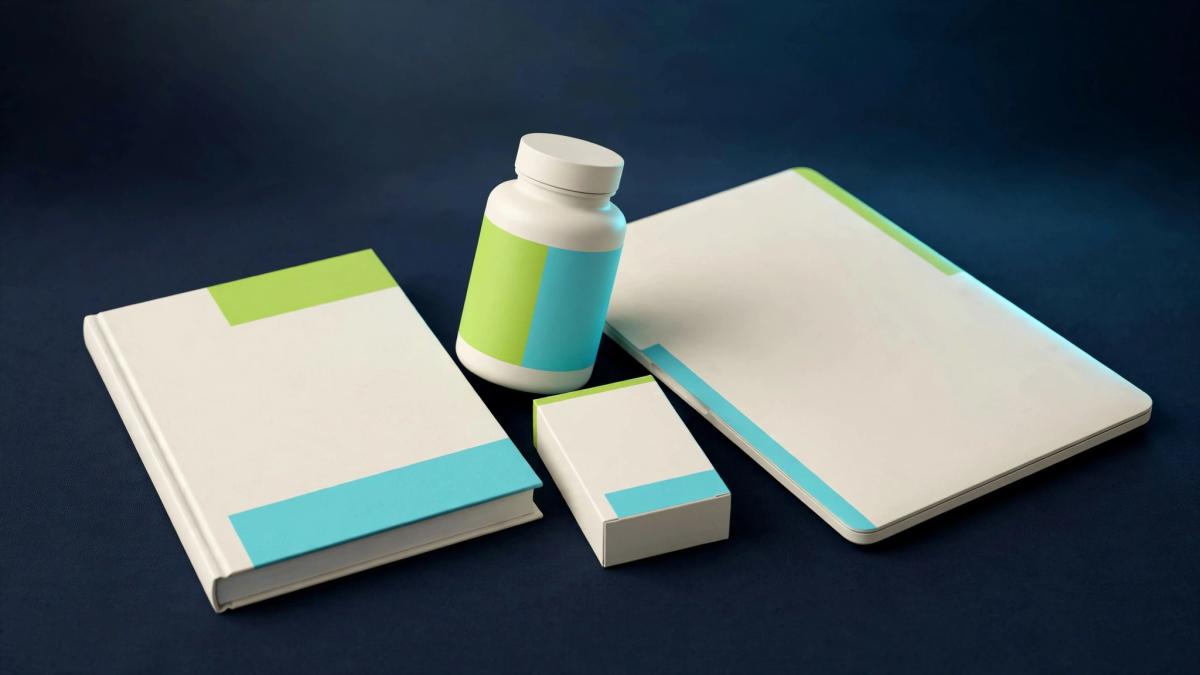
- Product packaging visuals: book covers, software boxes, supplement packaging and bundle shots.
- Device mockups: your design shown on a screen, useful for apps, dashboards, courses and landing-page previews.
- Marketing creatives: social posts, ad graphics and web graphics.
- Print assets: items that call for higher resolution output.
This variety matters for a specific buyer. A course creator might need a cover, a "bundle" image with several modules, a device shot for the members area and a few social squares. If one tool can produce all of them, the time saved may be worth more than any single feature. The caveat is that range and depth are different things. A tool can offer many output types and still produce average results in each. Review the gallery output closely, ideally at full size, before assuming it will match your brand's standard.
Templates, assets and the design library
The page says ClickDesigns X includes templates, logos, fonts, textures, backgrounds, stock media and other elements. For non-designers, that asset library is often what decides whether a tool is usable. A blank canvas is intimidating; a template you adjust is quick.
Three things to check here. First, template quality: do they look current, or generic? Second, volume and updates: a large library helps only if it keeps growing and covers your niche. Third, and most important, rights to the stock assets. The page makes ownership and royalty-free claims for what you create, but a bundled stock image or font can carry its own conditions. We did not see the exact asset-use terms, so confirm which elements may be used in commercial work, resold products or client projects.
The page also mentions an included custom bundle creator and a logo vault. A bundle creator presumably speeds up the "stack of products" images common in digital offers. A logo vault suggests stored logos you can reuse across projects. Both sound practical, and both are unverified until you open the account.
Editor controls: layers, canvases and everyday design tasks
The sales page describes layer management and drag-and-drop editing. Layers are the basic control that separates a serious editor from a quick-template tool, because they let you reorder, hide, lock and group elements. Multi-canvas workspaces then let you keep several designs in one project.
What the page does not tell us is how fine the controls go. For example: precise alignment and spacing, blend modes, masks, shadows, text effects, brand color palettes, and undo history. Marketers who only need to swap text and an image will not care. Marketers who build many variants of one ad will care a lot, because small controls decide how fast a variant takes. Test two or three of your real tasks, not just the demo templates.
The "AI" label, handled carefully
The page uses the label "ClickDesigns AI" in places and advertises an AI Background feature. However, the central workflow it describes is templates, drag-and-drop editing and 3D mockups with MagicWrap. This review therefore does not treat ClickDesigns X as a prompt-driven image generator. If AI image creation is what you need, ask what the AI Background feature actually does, whether it has usage limits and whether generated backgrounds are covered by the commercial license.
Exports and integrations
The sales page lists export to JPG, PNG, WebP and PDF, with output up to 300 DPI. That is a sensible set for web and print: WebP for fast pages, PNG for transparency, JPG for general sharing and PDF for documents. The 300 DPI figure is the common print-resolution benchmark, but resolution depends on canvas size and source artwork, so check the maximum pixel dimensions and whether transparent PNG export works on 3D mockups.
Integrations listed are GoHighLevel, Convertri, ProductDyno and Groove.cm. These are tools many online marketers use for funnels, membership areas and product delivery, which tells us who the vendor has in mind. The page does not explain how each integration works in this review's source, so it is unclear whether it means direct publishing, asset sync or simply compatible exports. Treat "integration" as a question to ask before it becomes a purchase reason.
Commercial license and ownership claims
The page advertises a commercial license and states that you own what you create, with royalty-free asset claims. For anyone selling products, running ads or serving clients, this is a central point. It would be useful to know:
- Can you use outputs in client work and sell them as a service?
- Can templates or mockup scenes be resold or shared as templates themselves?
- Do license rights continue if a monthly plan ends or lapses?
- Do bundled fonts, textures and stock media have separate restrictions?
We did not check the written license, and a sales-page summary is not a legal document. Read the actual terms before building a business on the outputs.
Strengths based on the sales page
- Relevant focus on product visuals. Covers, boxes, devices and bundles are the images online sellers struggle to produce without design skills.
- Flat and 3D in one place. An all-in-one flow can reduce exporting between separate apps.
- Multi-angle outputs. Generating several angles from a single wrap is useful for ad variations and page sections.
- Common export formats. JPG, PNG, WebP and PDF cover most marketing needs.
- Marketing-stack integrations. The four named platforms match the funnel and membership tools many sellers already use.
- Commercial-use proposition. A stated commercial license and asset-ownership message suit people who sell what they design.
- Low advertised entry price. If the $37 one-time figure holds at checkout, the cost of testing is small relative to many design subscriptions. That is a condition, not a promise.
Limitations and open concerns
- No hands-on evidence. We cannot say how the editor feels, how fast it runs or how good the 3D renders look.
- Contradictory pricing language. Detailed below.
- Unverified social proof. The page shows large numbers and testimonials with no independent source.
- Name inconsistency. The page alternates between "ClickDesigns X" and "ClickDesigns," so it is unclear which features apply to X.
- Unclear limits. We do not know about export caps, project limits, model counts or template counts.
- Cloud dependence. Your work lives on the vendor's platform, so ongoing access depends on the vendor.
ClickDesigns X pricing: what the page showed on 13 October 2026
How much is ClickDesigns X? The sales page displayed a one-time launch price of $37, with $67 shown crossed out, and a claimed regular price of $97 per month. Near the price it said "One-Time Payment | Instant Access | No Monthly Fees." Elsewhere, the page says the offer can switch to a monthly subscription without notice, and later warns that pricing could be $67 per month or higher.
Those statements cannot all be the final terms at once. A page that promises "no monthly fees" while also warning that the offer may become monthly leaves a buyer unsure which one applies at checkout. We did not open checkout, so we cannot tell you what the cart will show or whether the $37 figure will remain. This is also why this review does not call ClickDesigns X a lifetime deal.
Before paying, confirm in the cart:
- Whether the charge is a single payment or a recurring subscription.
- What the stated price includes: editor, 3D studio, templates, bundle creator, logo vault and updates.
- Whether any upgrades, add-ons or extra credits are offered or required for features you expect.
- Whether the price shown is the price charged, including taxes where you live.
The 30-day refund claim
The sales page advertises a 30-day full-refund guarantee. Treat that as a claim until you read the written terms, because refund policies often carry conditions such as how and where to request a refund, what counts as eligible and how long processing takes. We have not verified how the guarantee works in practice and cannot report any refund outcome.
A practical way to use the window, if you buy: test the three tasks you care about most in the first few days, including one MagicWrap mockup and one export at your target size. Save the date of purchase and the refund instructions. That turns the guarantee into a short evaluation period rather than a vague comfort.
Social proof and big numbers on the sales page
The page shows figures including 34,114+ users, 6,898+ reviews rated 4.8 out of 5, support stars of 4.9 or higher, a claimed $28 million in design-fee savings, a 31% conversion figure, and testimonials with return-on-investment and monetary examples. All of these are unverified sales-page claims. We could not see who counted the users, where the reviews were collected, how "design-fee savings" were calculated, or what the 31% conversion was measured against.
Testimonials describe one person's situation, not a typical result. Nothing on the page should be read as evidence that ClickDesigns X will increase your sales, conversions, rankings or revenue. A better mockup can change how a product looks. Whether that changes buying behavior depends on your offer, audience, traffic and many other factors, none of which a design tool controls.
The naming question: ClickDesigns X or ClickDesigns?
Across feature, FAQ, review and testimonial areas, the sales page alternates between "ClickDesigns X" and "ClickDesigns." This may simply be loose wording by the vendor, or it may reflect an earlier product, a different version or an upgraded edition. A buyer cannot tell from the page. Before purchase, confirm which specific features, limits and terms apply to ClickDesigns X, and whether testimonials and reviews relate to this version or to an earlier one.
Who ClickDesigns X may suit
- Affiliate marketers and bonus-page builders who need product images, bundle shots and quick ad graphics.
- Course creators and digital product sellers who want covers, boxes and device mockups for sales pages.
- Software and SaaS promoters who need a screen displayed on a laptop or phone for landing pages.
- Small business owners and solo operators without a designer, who can work from templates.
- Funnel builders already on GoHighLevel, Convertri, ProductDyno or Groove.cm, if the integration meets their needs.
Who should look elsewhere
- Brand designers and agencies who need advanced vector control, typography systems and file formats the page does not list.
- Photo editors who retouch and composite real photography.
- Teams needing collaboration controls such as approvals, shared brand kits or permissions, which the page does not describe.
- Buyers who want certainty about total cost and are uncomfortable with the pricing ambiguity.
- Anyone seeking an AI image generator. The central workflow is template and mockup based.
Pre-purchase checklist for ClickDesigns X
- Confirm whether the price is one-time or monthly and screenshot the checkout page.
- Confirm exactly which tier you are buying and what it includes.
- Check for add-ons, upsells or extra costs for features you expect.
- Read the commercial license, including client work and resale rules.
- Check the rights for bundled fonts, textures, backgrounds and stock media.
- Confirm export limits, maximum resolution and whether 3D mockups export in PNG or transparent formats.
- Ask how each integration works and what it needs from you.
- Find out how future updates and support are handled, and for how long.
- Read the refund terms and note the deadline and request method.
- Confirm that testimonials, features and terms refer to ClickDesigns X specifically.
- Test one cover, one box and one device mockup with your real artwork in the first days.
Alternatives: a balanced workflow comparison
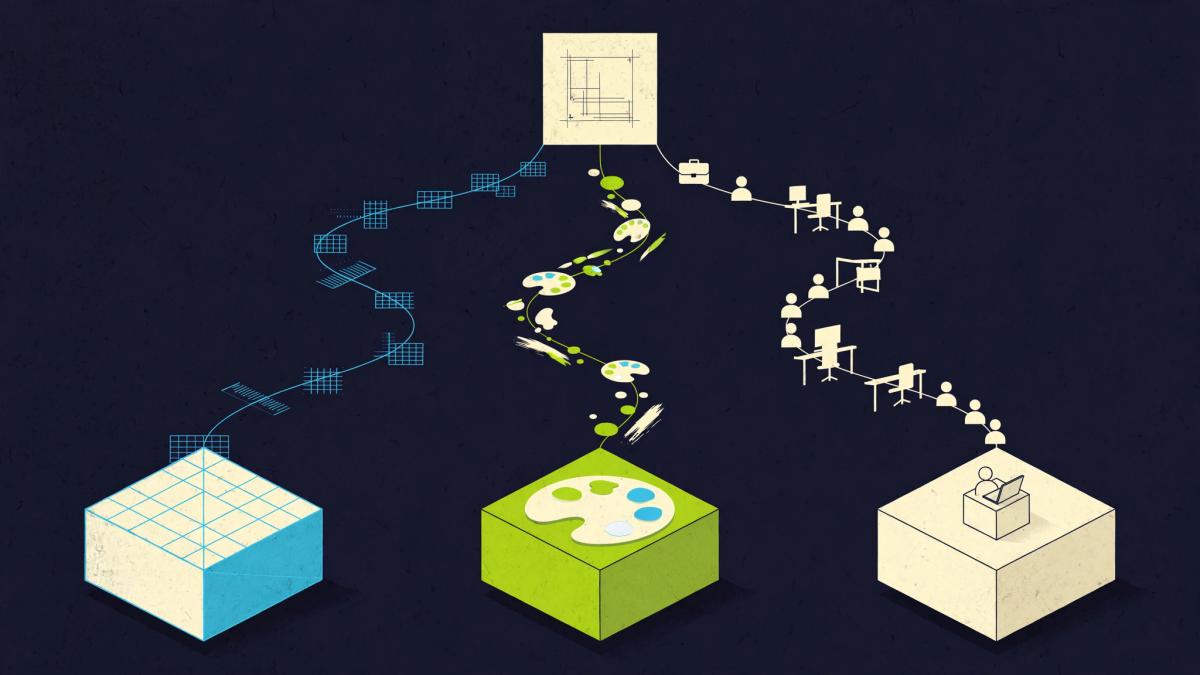
ClickDesigns X is one way to produce product visuals. It is not the only one, and the right choice depends on volume, skill and the standard of finish you need. We do not compare prices here because we have not verified current prices for other tools.
Option 1: a template-based mockup tool
This is the category ClickDesigns X belongs to. It is typically fast, needs little skill and gives consistent results, but the look can feel familiar when many people use the same scenes. Best when speed and volume matter more than a unique look.
Option 2: general design software
Professional design software gives complete control over artwork and finishing, and many designers build mockups there by applying artwork to layered scene files. It takes more time and skill, so it suits people who already know the tool or want precise results.
Option 3: a freelancer or designer
A person can create bespoke visuals and interpret a brand, which can matter for flagship products and launches. It costs more time in briefing and revision, and the cost varies by person and scope. It may also be a good use of money for one or two key assets, while a mockup tool handles the volume work.
A practical hybrid
Many sellers combine routes: a designer builds the flagship cover, and a mockup tool turns that artwork into box, device and bundle variants. If you take that approach, the question for ClickDesigns X becomes narrower and easier to test: does it make good 3D scenes from artwork you already own?
Frequently asked questions
What is ClickDesigns X?
ClickDesigns X is a cloud-hosted drag-and-drop visual editor and 2D/3D product mockup studio, according to its sales page. It includes a feature called MagicWrap that maps flat artwork onto 3D models and generates multiple angles and layouts.
What is MagicWrap in ClickDesigns X?
MagicWrap is the sales page's name for its one-click 3D mapping feature. It applies your flat design to a 3D model of a product such as a book, box or device, then produces different angles and layouts. We have not tested its output quality.
Is ClickDesigns X a one-time payment or a subscription?
The sales page is inconsistent. On 13 October 2026 it showed a $37 one-time launch price and the line "No Monthly Fees," but it also said the offer can switch to a monthly subscription without notice and mentioned a claimed regular price of $97 per month and a possible $67 per month or higher. Confirm the payment type at checkout before buying.
How much does ClickDesigns X cost?
The page displayed $37 as a launch price on 13 October 2026, with $67 crossed out. The price at your checkout may differ, so verify it directly.
Is ClickDesigns X a lifetime deal?
This review does not describe it as one. The page uses one-time-payment language but also warns of a possible switch to monthly billing, so a lifetime-access claim is not clearly supported.
Does ClickDesigns X offer a refund?
The sales page advertises a 30-day full-refund guarantee. We have not read the written terms or verified how refunds work in practice, so check the conditions before you buy.
Can I use ClickDesigns X designs commercially?
The page advertises a commercial license and says users own what they create. We did not review the license text, so confirm the scope, including client work, resale and the rules for bundled stock assets.
What file formats does ClickDesigns X export?
The sales page lists JPG, PNG, WebP and PDF, with output up to 300 DPI. Check maximum dimensions and any export limits for your plan.
Which platforms does ClickDesigns X integrate with?
The page lists GoHighLevel, Convertri, ProductDyno and Groove.cm. It is not clear from our source how deep each integration goes, so ask what each one does.
Is ClickDesigns X good for 3D product mockups?
3D product mockups are its most distinctive advertised feature, and the examples cover covers, boxes, devices and bundles. Whether the results look good enough for your brand is unknown until you test it with your own artwork.
Is ClickDesigns X an AI image generator?
Not mainly. The page uses "ClickDesigns AI" and advertises an AI Background feature, but the core workflow is templates, drag-and-drop editing and 3D mockups.
Will ClickDesigns X increase my sales or conversions?
No design tool can promise that. The sales page makes conversion and savings claims, but they are unverified and not typical-result evidence. A better visual may help presentation; sales depend on your offer, audience and traffic.
Is this review based on testing the software?
No. It is a source-based review of the vendor's public sales page. We did not use the software, test exports, contact support or read the license.
Who should buy ClickDesigns X?
It may suit affiliate marketers, course creators, software promoters and small business owners who need product mockups and marketing graphics without hiring a designer, and who are comfortable verifying terms before buying.
Final verdict: 6.1/10
ClickDesigns X addresses a real need. Product mockups, covers and bundle images are tedious to produce, and a browser tool that handles flat design and 3D wrapping in one place has obvious appeal for online marketers. The advertised export formats, integrations and commercial-license proposition also point at the right buyer.
The score stops at 6.1 because the open questions sit exactly where a buyer needs clarity. The price language contradicts itself, the social proof is unverified, the product name shifts and the quality of the 3D output is unseen. None of that makes ClickDesigns X a bad tool. It means the decision should rest on your own test, not the sales page.
Our recommendation: if you regularly need product visuals and the checkout terms are clear when you reach them, ClickDesigns X is reasonable to evaluate, particularly with a refund window you can use. Confirm the payment type, license scope and plan inclusions first, then run your real artwork through MagicWrap early. If the output meets your standard, keep it. If it does not, use the guarantee.
Try ClickDesigns X and check the terms yourselfReview method and sources
Review last updated 13 October 2026. This article is based solely on the vendor's public sales page for ClickDesigns X, read on that date. We did not open checkout, support, policy or other vendor pages, and we did not use other sources for product information. Images in this review are original AI Growth Verdict illustrations and do not show the product interface. Scores reflect our editorial judgment of the information available, and we will update this review if hands-on testing or verified terms change the picture. Affiliate links in this article are marked as sponsored.